Best Coding Gifts for 10, 12, and 14 Year Olds (2026)
Age matters more than you think with STEM gifts
A $75 robotics kit that frustrates a 10-year-old into quitting can kill a kid’s interest in tech before it starts. A $22 microcontroller that a 14-year-old finds too babyish ends up in a drawer by January. Getting the age match right is more important than the price tag.
This guide splits picks into three brackets — ages 10, 12, and 14+ — based on what kids can realistically build, debug, and stay interested in at each stage. The goal is a gift that gets used past February.
Age 10 (and under): Build something, see it work, want more
At 10, the best coding gifts are tactile and immediate. Kids at this age need to see a result fast — a light blinks, a motor spins, a screen shows something. Abstract syntax and breadboard troubleshooting can wait. These three picks are low-frustration, high-payoff.
Snap Circuits Jr. — $25
No soldering, no coding, no frustration. Snap Circuits uses color-coded components that click together magnetically. Kids build real working circuits — AM radios, fans, alarms — from a printed project guide with pictures.
- Price: ~$25
- Projects included: 100+
- What they’ll learn: How circuits actually work — series vs. parallel, voltage, switches
- Best for: Ages 8–11, zero prior experience, great for kids who like Lego
- Buy it: Get on Amazon
There’s no wrong answer to snap together. That matters more than it sounds.
BBC Micro:bit Starter Kit — $22
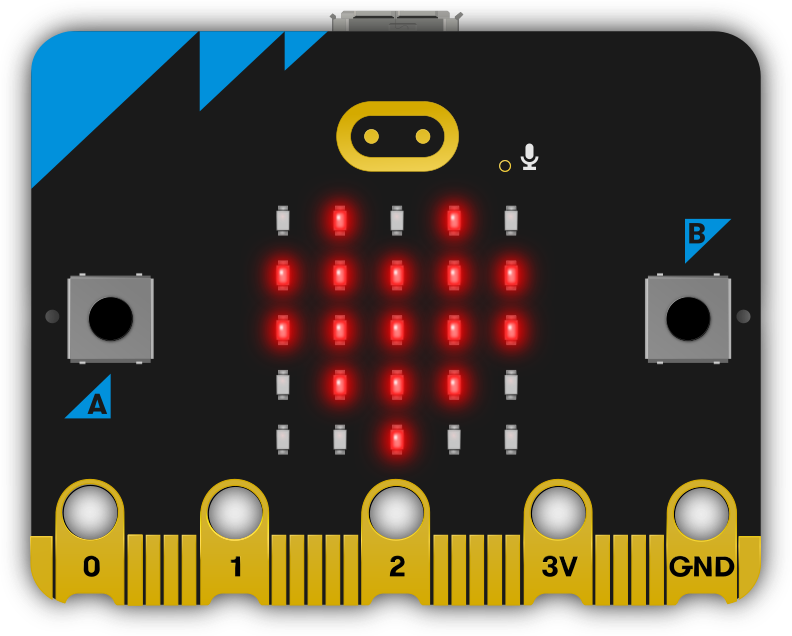
The BBC Micro:bit is a small programmable board used in UK schools for a reason: it’s designed from the ground up for beginners. Kids code it in a drag-and-drop block editor (or Python when they’re ready), and the board has a built-in LED matrix, buttons, accelerometer, and Bluetooth.
- Price: ~$22 for the board; starter kits with accessories run ~$35
- What they’ll learn: Block coding, basic logic, conditionals, loops
- Projects: Display text, shake-to-randomize dice, step counter, compass
- Best for: Ages 9–12, especially if school uses it (many do)
- Buy it: Get on Amazon
The Micro:bit is also the first rung on the progression path to Arduino and beyond — more on that below.
KiwiCo Tinker Crate — $25/month
KiwiCo’s Tinker Crate is a monthly subscription box aimed at 9–16-year-olds. Each crate contains parts and instructions for one hands-on STEM project — a hydraulic claw, a motorized marble run, a working speaker.
- Price: ~$25/month (monthly plan); discounts on 3, 6, and 12-month plans
- What they’ll learn: Engineering principles, basic electronics, mechanical systems
- Best for: Kids who love building physical things and lose interest in purely screen-based stuff
Auto-renewal warning: KiwiCo subscriptions auto-renew. If you’re giving this as a gift, buy a prepaid multi-month plan rather than a recurring subscription — or set a calendar reminder to cancel. Parents have been caught off guard by the charge when January rolls around.
- Get it: KiwiCo Tinker Crate
Age 12: Real projects, real code, real components
At 12, most kids can handle a tutorial, read error messages, and troubleshoot when something doesn’t work. This is the sweet spot for entry-level maker kits — they’re old enough to get the full payoff but young enough to still find blinking LEDs genuinely exciting.
ELEGOO UNO R3 Starter Kit — $35
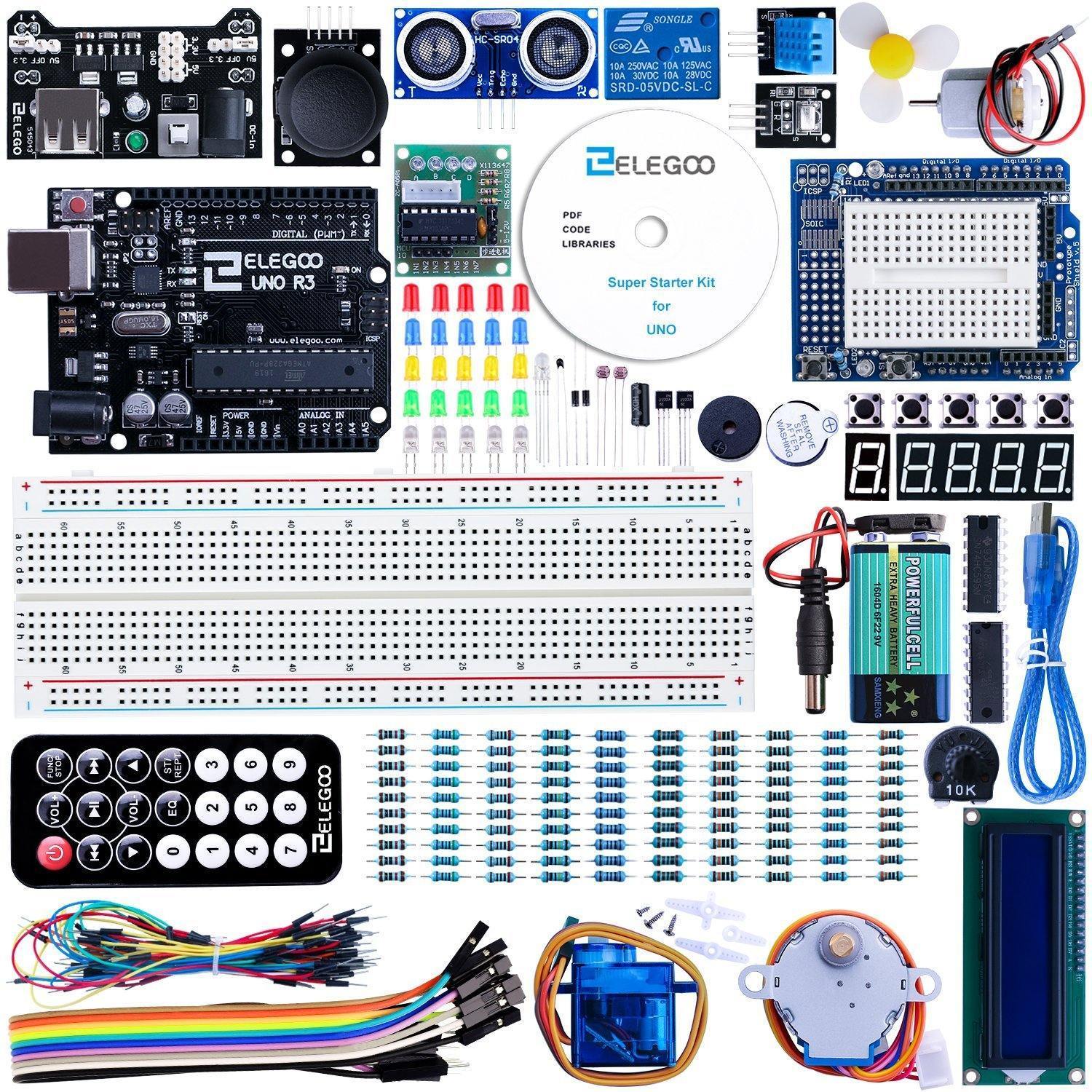
The most popular starter kit in the maker community for a reason. The ELEGOO UNO is Arduino-compatible and comes with 200+ components, a breadboard, sensors, motors, an LCD display, and a 33-lesson tutorial book. This is where a lot of adult engineers started.
- Price: ~$35
- What’s included: UNO R3 board, 200+ components, breadboard, LEDs, servo, sensors, LCD, relay, remote control
- What they’ll learn: C++ basics, circuit wiring, reading sensors, controlling motors
- Best for: Absolute beginners at 12+ who want a structured path
- Buy it: Get on Amazon
The tutorial book is legitimately good — follow it in order, don’t skip ahead, and by project 15 your kid will understand more electronics than most adults.
M5Stack Cardputer — $30
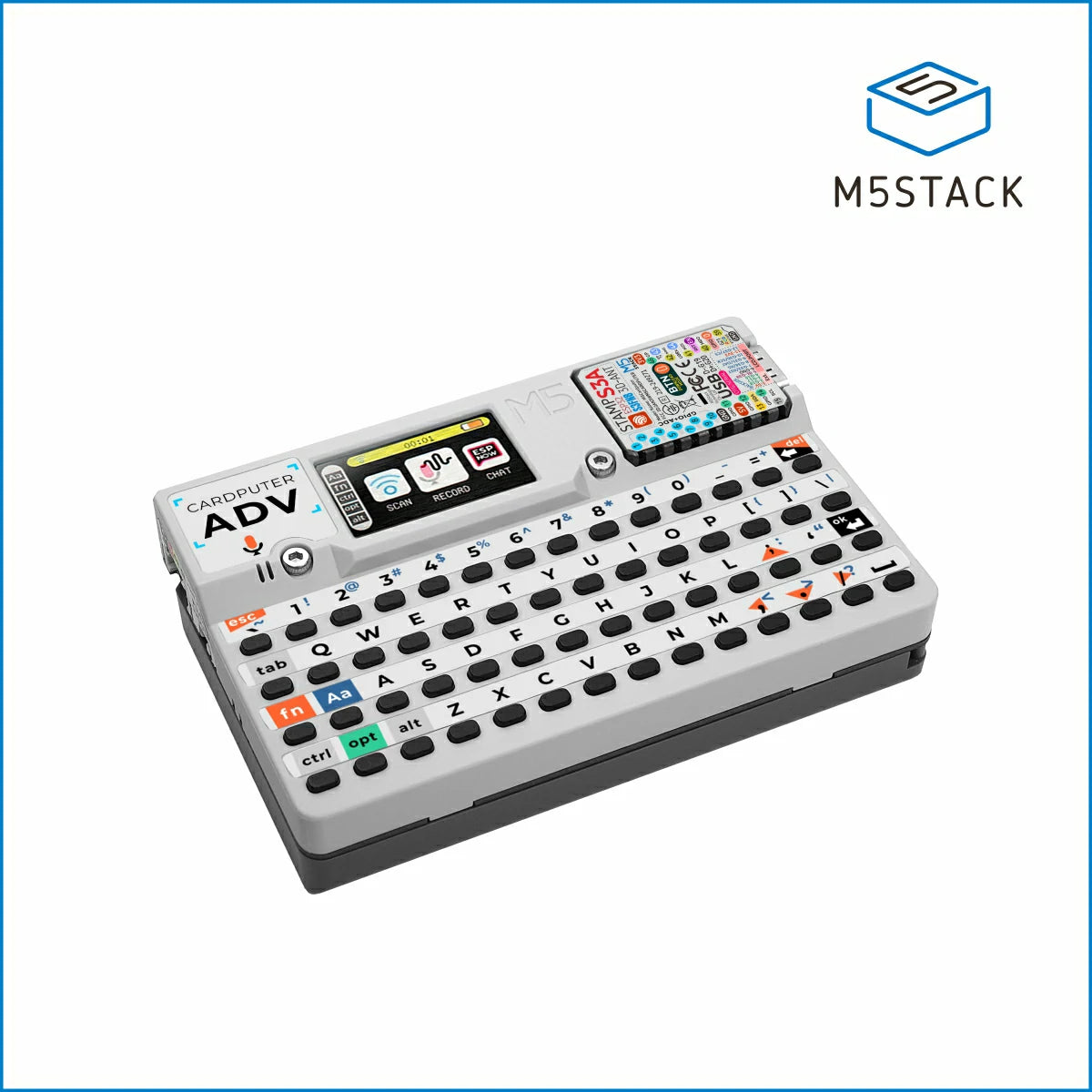
This is the cool one. The Cardputer is a credit-card-sized computer with a built-in keyboard, color display, speaker, microphone, and WiFi/Bluetooth. It runs MicroPython and can be used as a terminal, a mini game console, a badge scanner, or a WiFi probe.
- Price: ~$30
- What they’ll learn: MicroPython, hardware hacking, WiFi protocols, creative problem-solving
- Projects: Retro games, keyboard shortcuts device, IRC chat terminal, WiFi scanner
- Best for: 12–16 year olds who are a bit technical already and want something to show off
- Buy it: Get on Amazon
The Cardputer has a strong community online. If your kid is the type who goes down rabbit holes, this is a better pick than the Arduino kit.
ELEGOO Smart Robot Car V4 — $76
A four-wheel robot car that your kid builds from scratch and programs with Arduino code. It includes ultrasonic obstacle avoidance, line tracking, IR remote control, and Bluetooth app control.
- Price: ~$76
- What’s included: Car chassis, motors, sensor modules, IR remote, Bluetooth module, full tutorial
- What they’ll learn: Motor control, sensors, conditional logic, assembly
- Best for: 12–14 year olds who want a physical payoff from their coding
- Buy it: Get on Amazon
This is the gift that looks good from across the room. The assembly takes 2–3 hours (do it together if you can), and the result is a robot that actually does things.
Age 14+: Real tools, real depth, real pride
Teenagers want to build things that feel real — not toys. The picks for 14+ lean harder on hardware that professionals actually use, platforms with active communities, and projects that are genuinely impressive to show friends.
Freenove Ultimate Starter Kit — $50
If the ELEGOO kit is the intro course, the Freenove Ultimate is the full semester. 260+ components, 56 projects, and tutorials so detailed they include circuit theory explanations alongside the code.
- Price: ~$50
- What’s included: Arduino-compatible board, 260+ components, detailed PDF tutorials (free download)
- What they’ll learn: Everything in the ELEGOO kit, plus more advanced sensors, stepper motors, RFID, WiFi modules
- Best for: 13–17 year olds who’ve already done some Arduino or are ready to go deep from day one
- Buy it: Get on Amazon
The PDF tutorial is one of the best-written beginner electronics documents on the internet. Print it out or bookmark it — it’s genuinely useful.
M5Stack CoreS3 SE — $39
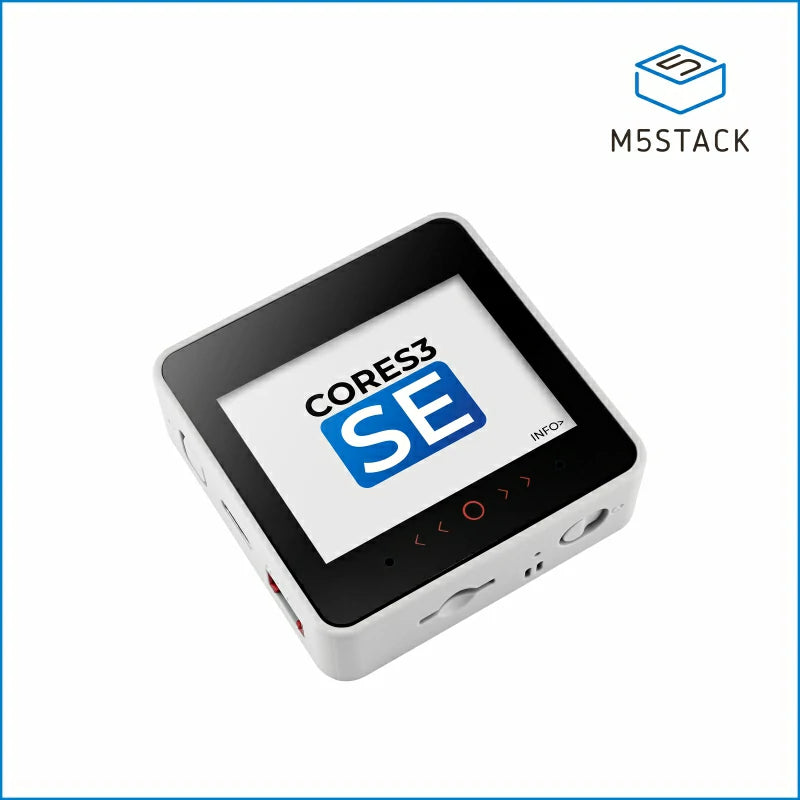
The CoreS3 SE is the grown-up version of the Cardputer. It’s an ESP32-S3 development board in a compact case with a 2-inch touchscreen, built-in speaker, microphone, camera, and Grove ports for expansion. Programs in MicroPython or Arduino C++.
- Price: ~$39
- What they’ll learn: ESP32 development, touchscreen UI, IoT, camera integration
- Projects: Smart home controller, face detection, Bluetooth speaker, WiFi dashboard
- Best for: 14+ who want to build portable connected devices
- Buy it: Get on Amazon
The CoreS3 hits differently from a bare Arduino board — it comes in an enclosure, has a proper display, and the finished projects look like actual products.
Waveshare AMOLED Watch Development Kit — $40
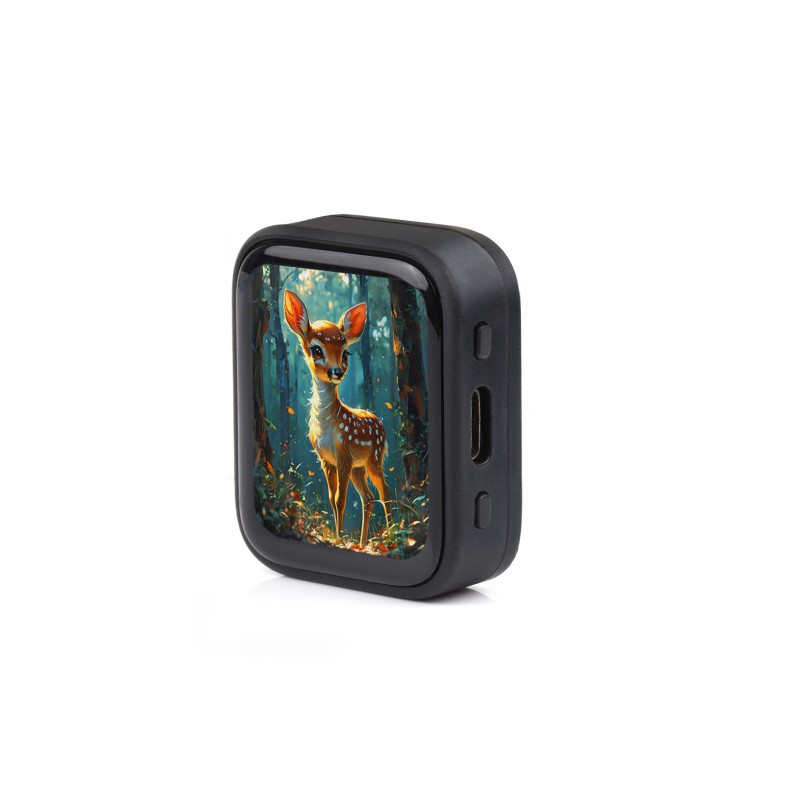
A round AMOLED smartwatch development kit powered by ESP32-S3. It ships as a programmable watch with a 1.28-inch circular display, accelerometer, and heart rate sensor — and you write the firmware yourself.
- Price: ~$40
- What they’ll learn: Embedded C/C++, watch face design, sensor data, power management
- Projects: Custom watch faces, step counter, sleep tracker, Bluetooth notifications
- Best for: 14–17 year olds who want to wear something they built
- Buy it: Get on Amazon
This one has serious “show your friends” factor. A kid who programs their own watch face has something to talk about.
CrunchLabs Hack Pack
CrunchLabs Hack Pack is a monthly electronics subscription box where each shipment includes a pre-assembled device and a video guide teaching you how it works and how to modify it. The engineering quality is high and the content is engaging.
- What they’ll learn: How consumer electronics work, hardware hacking, circuit modification
- Best for: 14+ who like understanding how things work, not just following tutorials
- Note on price: It’s on the expensive side — around $35–$45/month depending on plan. Read our full CrunchLabs Hack Pack review before committing.
- Get it: CrunchLabs Hack Pack
Same auto-renewal caution as KiwiCo — buy a prepaid term if gifting.
The progression path: where do they go from here?
Good STEM gifts should build toward something. Here’s the ladder most makers climb:
Micro:bit → Arduino → ESP32 → Raspberry Pi
| Stage | Board | Language | What they can build |
|---|---|---|---|
| Beginner | BBC Micro:bit | Block / MicroPython | Simple games, sensors, displays |
| Intermediate | Arduino UNO | C++ | Robots, automation, sensors |
| Advanced | ESP32 (CoreS3, Cardputer) | C++ / MicroPython | WiFi/Bluetooth devices, IoT, wearables |
| Expert | Raspberry Pi 5 | Python / Linux | Full computers, cameras, AI at the edge |
You don’t have to follow this order exactly, but it gives you a mental map. A kid who started with the Micro:bit at 10 is ready for Arduino at 12 and an ESP32 project at 14.
FAQ
My kid is 10 but advanced — should I skip ahead?
Maybe — but be careful. “Advanced for their age” in STEM usually means they’re fast at following instructions, which is different from tolerating the frustration of debugging broken code alone. The risk of going too fast isn’t missing out on harder content; it’s hitting a wall that makes them quit.
A middle path: buy the Micro:bit anyway, but also add a stretch goal. The ELEGOO UNO R3 isn’t hard to add to the pile for $35. If they fly through the Micro:bit by February, the Arduino kit is sitting there.
What if they lose interest?
This happens more often than anyone admits, and it’s fine. The components don’t expire. A kit that sits in a closet for 18 months and then gets picked up at 13 is a perfectly good investment. The mistake is escalating too fast — spending $150 on an advanced kit for a kid who’s never touched hardware is how you get expensive clutter.
Start with a $22–$35 pick. If they finish the tutorials and ask for more, you have your answer.
Do they need a computer?
For the Micro:bit and Arduino kits, yes — they’ll need a Windows or Mac computer to write and upload code. All the required software is free. The M5Stack Cardputer and CoreS3 can be programmed without a laptop using their built-in interfaces, but a computer opens up much more.
Quick reference by age
| Age | Pick | Price | Why |
|---|---|---|---|
| 10 | Snap Circuits Jr. | $25 | No code, instant results |
| 10 | BBC Micro:bit | $22 | Block coding, school-compatible |
| 10 | KiwiCo Tinker Crate | $25/mo | Monthly builds, tactile |
| 12 | ELEGOO UNO R3 | $35 | Best structured Arduino intro |
| 12 | M5Stack Cardputer | $30 | Cool factor + real Python |
| 12 | ELEGOO Robot Car V4 | $76 | Builds + drives |
| 14+ | Freenove Ultimate | $50 | Maximum depth |
| 14+ | M5Stack CoreS3 SE | $39 | Touchscreen ESP32 device |
| 14+ | Waveshare AMOLED Watch | $40 | Wearable they programmed |
| 14+ | CrunchLabs Hack Pack | $35+/mo | Subscription, pricey |
The best gift is one that matches where your kid is, not where you hope they’ll be. Pick the right age bracket and you’re most of the way there.
Projects to build with these gifts
Once they open the kit, point them to a real project. Matched by age and difficulty:
Ages 10–12: Beginner projects
| Project | What you’ll build | Time |
|---|---|---|
| Plant Growth Logger | Sensor that tracks how plants grow | ~1h |
| Interactive Sculpture | Light-up art that reacts to touch | ~1h |
| Weather Station | Temperature/humidity dashboard | ~2h |
Ages 12–14: Intermediate projects
| Project | What you’ll build | Time |
|---|---|---|
| WiFi RC Car | Phone-controlled car | ~2h |
| Room Intruder Alarm | PIR sensor + buzzer alarm | ~1h |
| Smart Christmas Tree Lights | WiFi-controlled LED strip | ~1h |
Ages 14+: Advanced projects
| Project | What you’ll build | Time |
|---|---|---|
| MQTT Home Assistant | Real smart home integration | ~3h |
| Encrypted Messenger | Secure text chat device | ~2h |
| DIY Smartwatch | Wearable you programmed yourself | ~3h |